 |
Michael
Hooker Microscopy
Facility
(MHMF.ORG) |
 |
Connecting to a Shared Directory on a server such as \\Minsky
or \\ad.unmc.edu\med\cf from
an office/lab/equipment/home desktop Windows computer
Go to quick guide: Connecting
to \\minsky\slaney or
Connecting to CF Shared/groups/users
Introduction
- This section describes mapping a drive letter to a shared directory on MHmicroscopy
domain server computers for Windows users:
- With "mhmicroscopy" domain account. mhmicroscopy
domain accounts grant access to e.g.:
- \\minsky.med.unc.edu\slaney a.k.a. "slaney"
- \\minsky.med.unc.edu\cf-center
- \\minsky.med.unc.edu\alcohol-studies
- \\minsky.med.unc.edu\lestweforget
- \\minsky.med.unc.edu\lemon-lab
- \\minsky.med.unc.edu\vilar-lab
- Physically connected to the UNC Chapel Hill campus with an Ethernet
jack or on campus WiFi (eduroam)
- Or
from off campus with, in addition to "mhmicroscopy" account:
- It is assumed that connections will be made from a PC running
Windows/7/8/10 with Windows
TCP/IP networking properly setup. (Windows95/98/ME/NT4/2000/XP/Vista are not supported in
order to
comply with SOM & HIPAA security requirements.)
- Please note that
direct connection to MHmicroscopy lab. workstations is not possible after March 2015 due to the SOM
firewall and ITS/OIS policy
- Mac System X computers can access shares on \\minsky.med.unc.edu. Access is granted
using your MHmicroscopy log in account. From off campus
UNC VPN and an Onyen account
and DUO
are also required. Remember passwords must be 10 or more
characters long.
- Note: The backslash "\" is different from the forward
slash "/". / and \
cannot be used interchangeably.
- Note: This process can be use to map drive letter to division server
shares on the AD domain, e.g. drive S: for "shares"
What Can Be Accessed
What Can Not Be Accessed
- Shares on lab. workstation computers such as \\hamilton \\laplace \\hooke
with shares that were of the kind \\laplace\users2 \\schott\users can not
be accessed directly due to firewall restrictions introduced in 2015.
From Off Campus access requires UNC_VPN to be installed and an Onyen account
and the DUO 2 factor phone app
Connecting:
-
If you are off campus: Run and log into Cisco VPN for UNC
-
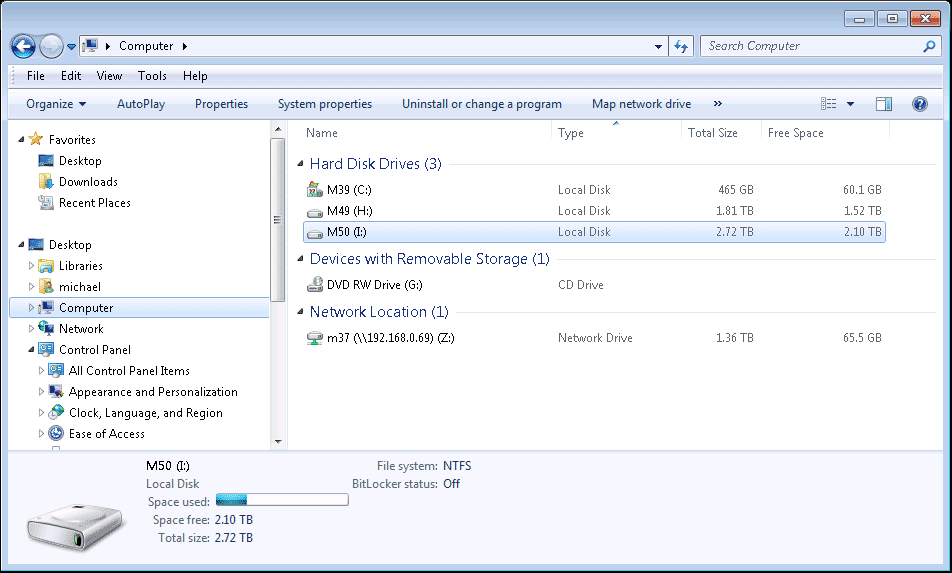
As a drive letter e.g.

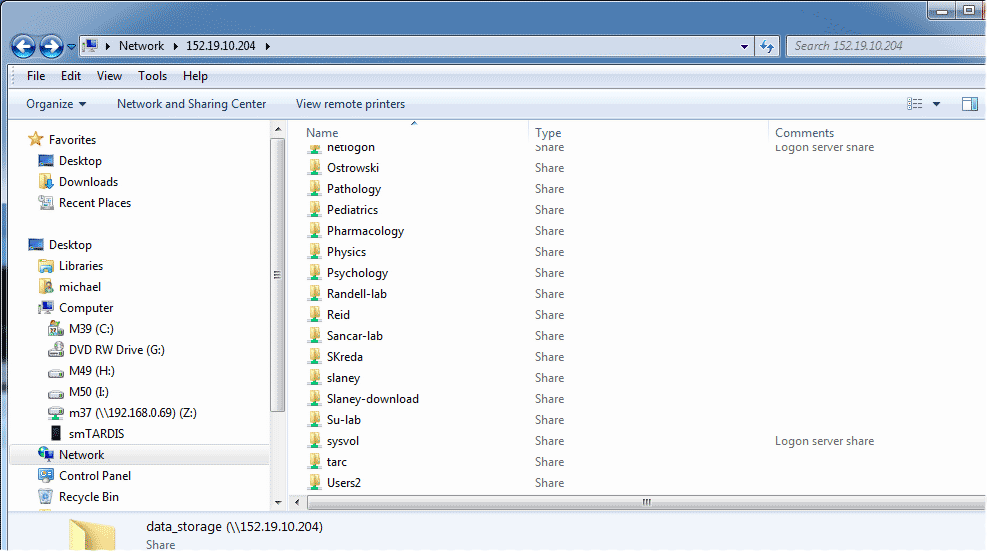
- Alternatively connect as an unc (uniform naming convention)
is possible but not recommended - also
allows to browse shared resources. Proceed below:
Optionally link share to a drive letter:
- To map a share as a drive letter:
- Right click on the share, e.g. slaney
- Choose a drive letter to map the share to a drive letter
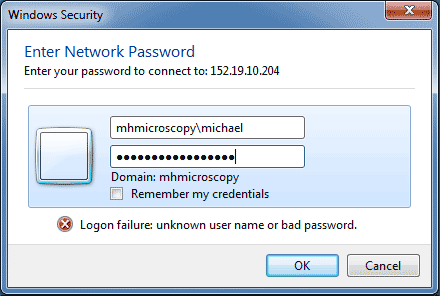
- Choose "connect using different credentials"
- Provide mhmicroscopy\account and
password (if connecting to \\minsky resources)